 BookClubbers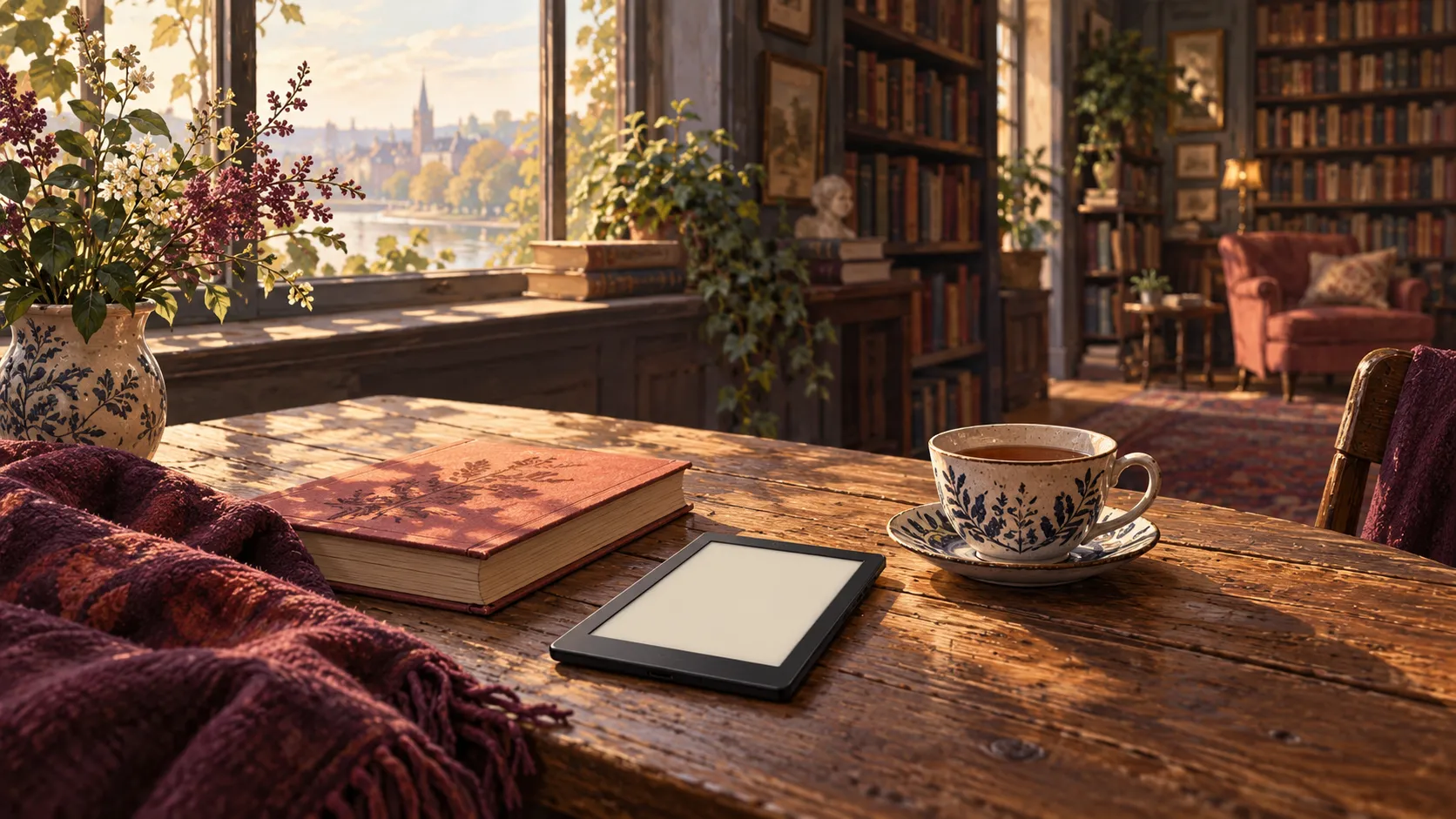
BookClubbers
The Best E-Readers for Your Reading Life: Kindle, Kobo and BOOX Compared
A thoughtful, practical comparison of e-readers for novels, EPUB libraries, colour illustrations and PDFs—so you can choose the one that fits the way you read.
The right reader is the one that makes room for your books and your habits. · AI-generated editorial illustration for BookClubbers
Some books ask to be read on a sofa. Others travel in a crowded bag, wait on a nightstand or arrive as a PDF full of diagrams. An e-reader can make space for all of them—but only if its screen and library fit the way you actually read.
The question is less “Which device wins?” than “Where do my books come from, and what do I want to do with them?” A Kindle can feel effortless inside an Amazon library; a Kobo may suit an independent EPUB collection; an Android-based BOOX gives you more apps, along with more decisions.
This is a source-based buying guide, not a hands-on review. We compared manufacturer specifications and support documentation; we did not test these devices side by side. Prices, generations, library services and availability vary by country. Check the exact model before buying.
Start with your reading life
Mostly novels and an existing Amazon library? Consider the Kindle Paperwhite (12th generation, 2024). Want a compact monochrome reader for EPUBs? Kobo Clara BW is worth comparing. If you value colour covers, physical buttons and optional handwriting, look at Kobo Libra Colour. If books live across several apps and file types, consider BOOX Go 7.
For textbooks, sheet music or research PDFs, start with screen size rather than the brand. A small e-reader can open a PDF without making an A4 page comfortable to read. A larger e-ink device—or a tablet you already own—may be the better fit.
At a glance: four readers, four different priorities
| Device | A good fit for | Before you buy |
|---|---|---|
| Kindle Paperwhite (12th gen, 2024) | Amazon books and uninterrupted prose | Personal EPUBs usually go through Send to Kindle; check newer models and local availability. |
| Kobo Clara BW | Compact monochrome reading and personal EPUBs | A small display is less comfortable for dense, fixed-layout PDFs. |
| Kobo Libra Colour | Colour, page buttons and notes | Colour is subdued compared with a tablet; the stylus is optional. |
| BOOX Go 7 | Several Android reading apps and file types | More setup and app management; water-repellent is not the same as waterproof. |
Kindle Paperwhite: when your library already feels like home
If your books are in the Kindle ecosystem, a familiar library and straightforward reading experience may matter more than a longer feature list. Amazon lists adjustable warm light, USB-C, IPX8 water resistance and 16 GB for the 12th-generation Paperwhite; its stated battery life is up to 12 weeks under its own conditions, not a guarantee for every reader.
For a personal EPUB, Amazon’s Send to Kindle accepts EPUB and PDF documents. The service processes supported files, so avoid assuming that copying an EPUB over USB gives the same result. Amazon also lists newer 2026 Kindle models; compare the exact generation, price and availability in your market instead of assuming that the 2024 Paperwhite is the newest option.
If your books include personal documents, our guide to reading PDF and EPUB on Kindle walks through the route and its limitations.
Kobo: a more flexible home for EPUBs
Kobo’s support documentation lists EPUB, EPUB2, EPUB3 and PDF among supported formats. That makes its readers worth considering when your collection includes personal EPUBs and books from compatible stores. A protected book may need a particular DRM workflow, so “supports EPUB” does not mean every purchased ebook can be transferred freely.
For mostly prose, the compact Kobo Clara BW offers a six-inch monochrome display. The Libra Colour takes a different approach: a seven-inch colour screen, page-turn buttons and optional stylus support. Colour can make covers and highlights more expressive, but it is muted beside a phone or tablet; if you read only novels, the additional feature may not be worth it to you.
Library borrowing also needs a local check. Kobo’s listed countries for its integrated library service do not cover every market, and participation depends on your library. Look up the service and your library before buying a device for loans.

BOOX Go 7: when your books live in more than one app
Some reading lives do not fit into one store. The monochrome BOOX Go 7 uses Android and supports multiple document formats, including EPUB and PDF; BOOX also advertises Google Play and physical page-turn buttons. This can be useful if you already use several compatible reading apps.
Flexibility brings choices: apps, accounts, settings and notifications all need attention. Confirm that the specific apps and protected books you rely on work in your region before buying. BOOX describes water-repellent treatment, which is not a promise of the same immersion resistance as an IPX8-rated device.
Colour, contrast and the size of a page
For a novel, a monochrome screen is often all you need. Colour becomes more meaningful when you regularly open illustrated books, comics or colourful annotations. E-ink colour is generally gentler and less saturated than a tablet display, and the decision should be based on the material you actually read.
For a complex PDF, screen area matters. A six- or seven-inch reader may require frequent zooming and panning, especially with columns, diagrams or sheet music. A larger screen can reduce that friction, but check its size and weight in person when possible; no size will repair a poor scan or automatically reflow every layout.
Your own EPUBs and PDFs deserve a trial
If you have personal files, choose one representative EPUB and one difficult PDF. Ask a retailer whether you can try opening them, or check the return policy before purchasing. Look for the table of contents, cover, font resizing, search and annotations—not just whether the file opens.
A clean text PDF can sometimes be converted into a reflowable EPUB, but columns, tables and images need inspection. Our guide to repairing a converted PDF explains common problems; keep the original PDF when exact page layout matters.
A small checklist before you decide
First, list the stores, library services and personal files you already use. Then choose the screen for your dominant material: portable monochrome for prose, colour for images or highlights, and more space for page-shaped documents. Finally, verify regional availability, accessibility features, return terms and the cost of accessories such as a stylus.
A good reader should recede into the background once the story begins. Choose the device that makes it easier to reach for the next page, whether that page comes from a favorite bookstore, a library or a file of your own.
Sources and references
- Identify Your Kindle E-Reader
Amazon Kindle Help
- Connect, Browse, and Transfer Files on E-Reader
Amazon Kindle Help
- Kobo Clara BW
Rakuten Kobo
- Kobo Libra Colour
Rakuten Kobo
- File formats your Kobo eReader supports
Rakuten Kobo
- Library borrowing availability by country
Rakuten Kobo
- BOOX Go 7 Series specifications
BOOX
Keep reading
2026-01-28 · 11 min
EPUB vs PDF: Which Format Should You Use for Reading?
EPUB is reflowable and reader‑friendly; PDF preserves fixed layout. Compare use cases and choose the right format.
2026-09-13 · 10 min
How to Read a PDF or EPUB on Kindle: The Practical Route
Learn when to send a PDF directly, when to convert it to EPUB, and how to move a personal book to Kindle without confusing Send to Kindle with KDP publishing.
2026-10-17 · 9 min
Converted PDF Looks Wrong on Your E-reader? How to Diagnose and Fix the EPUB
A practical checklist for EPUB files converted from PDF: match each symptom to its cause, check chapters, cover and metadata, and decide when the original PDF is the better file.
2026-01-28 · 12 min
EPUB3 Explained: Features, Compatibility, Best Practices
EPUB3 is the modern ebook standard. Learn what it changes vs EPUB2, compatibility notes, and practical settings.